

Steps to add a Storage Rule
- Storage rule policies allow you to enforce traffic control schemes for endpoints in your network.
- You can create several rules in a policy. Each rule is designed to monitor a specific type of data traveling between a source and destination of your choice.
- You can assign actions to be taken if a rule is triggered. Actions include allow, block, quarantine, log, and encrypt. You can also block the use of USB storage devices with specific endpoints, forbid screenshots for specific applications, and prohibit printing of sensitive documents.
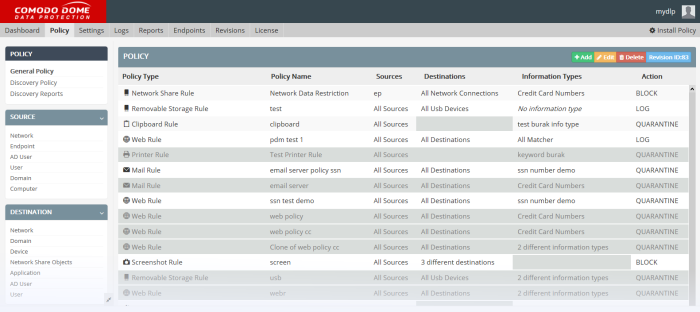
The 'General Policy' interface shows all rules that have been added to the data transfer policy:
Comments
0 comments
Please sign in to leave a comment.